Step 01
Design your card
You choose the card type, the design, the reward and the card settings. You can also upload your own designs for the card background and the stamps. Any design is possible.
For cafés, bars, bakeries, hair salons, neighbourhood shops and any small business that wants its customers to come back


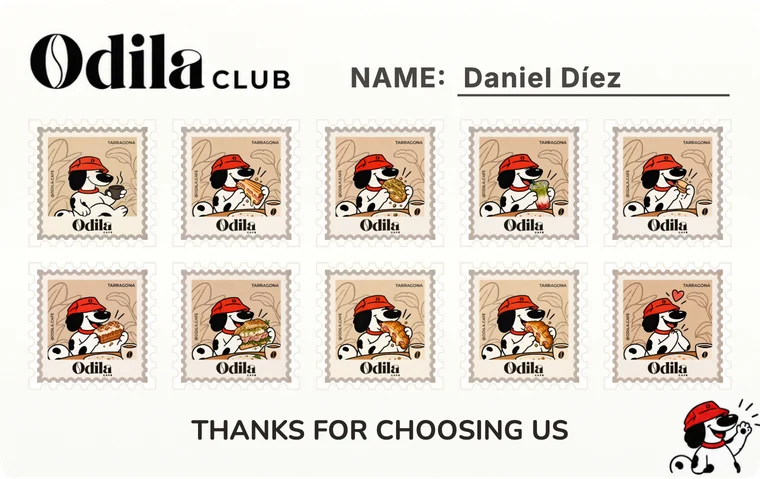
Nor has stamping it behind the counter.
Step 01
You choose the card type, the design, the reward and the card settings. You can also upload your own designs for the card background and the stamps. Any design is possible.
Step 02
Step 03
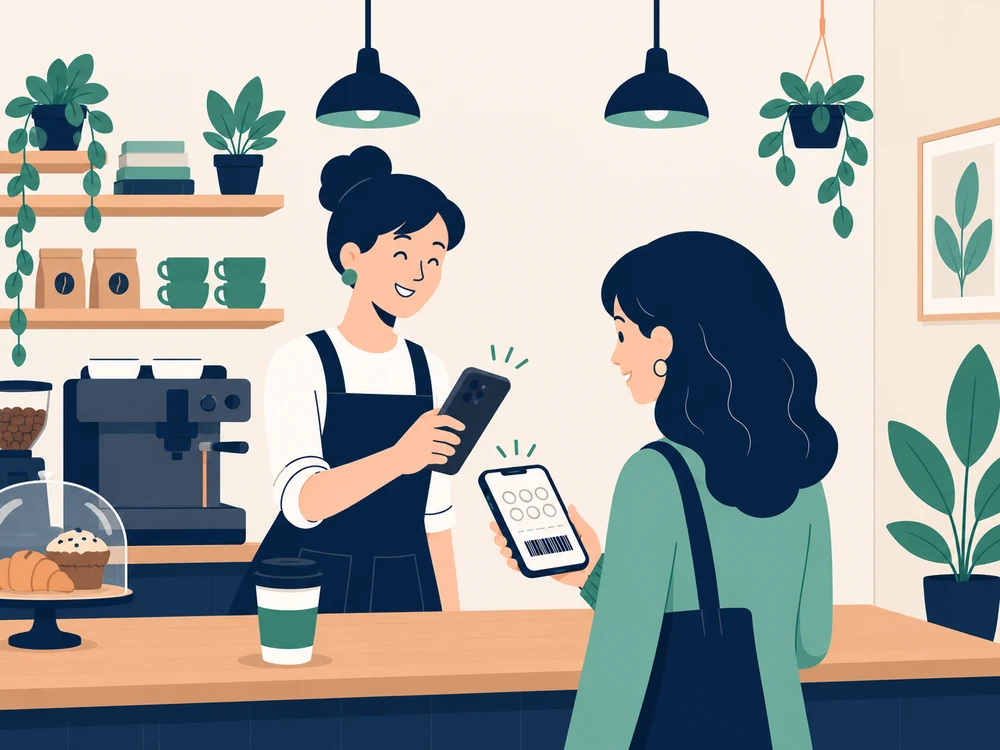
On their next visit, you can identify them instantly by scanning their barcode with your phone, or by looking them up by their reference.
Step 04
Once you're in their customer record, you can update any of their cards straight away and the customer sees it instantly.
Step 05
The card shows a celebration to mark that it's complete, both in the customer's record and in their wallet. If the customer can't redeem the reward there and then, you can give them a voucher to redeem another day while they keep collecting stamps. Stamp cards renew automatically when they're completed.
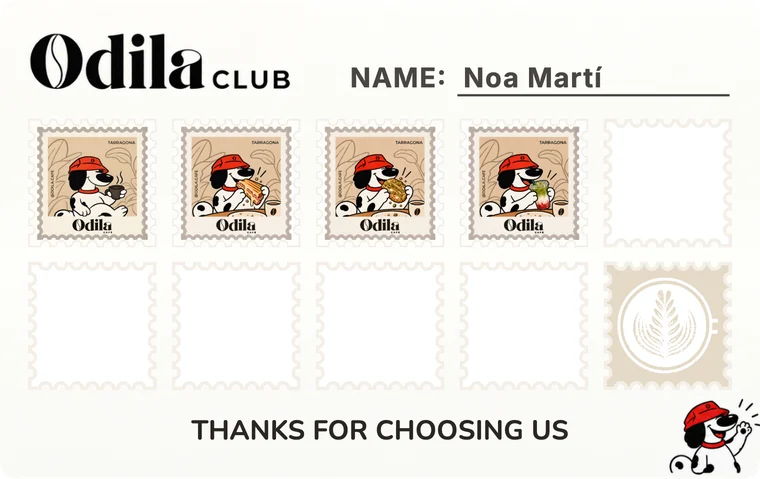
One stamp per visit or per item. The customer gets the reward when the card is complete.
Ideal forBusinesses where customers come back often.
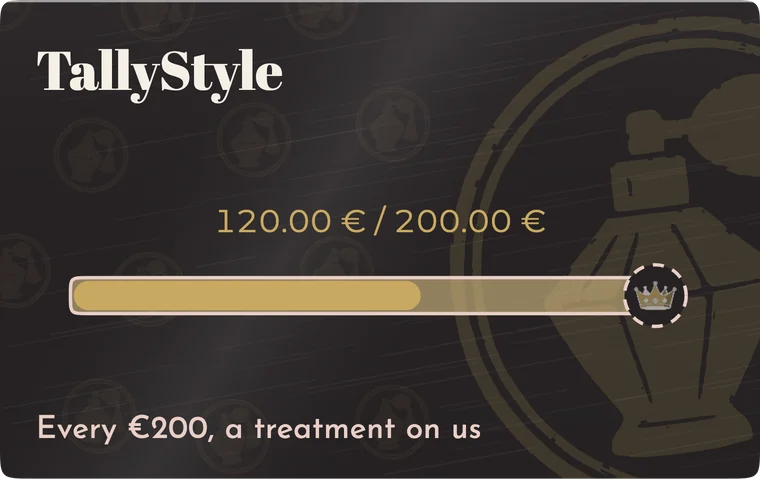
Adds up what the customer spends at each visit. The customer gets the reward when their spending reaches the target.
Ideal forBusinesses where customers come less often but spend more.
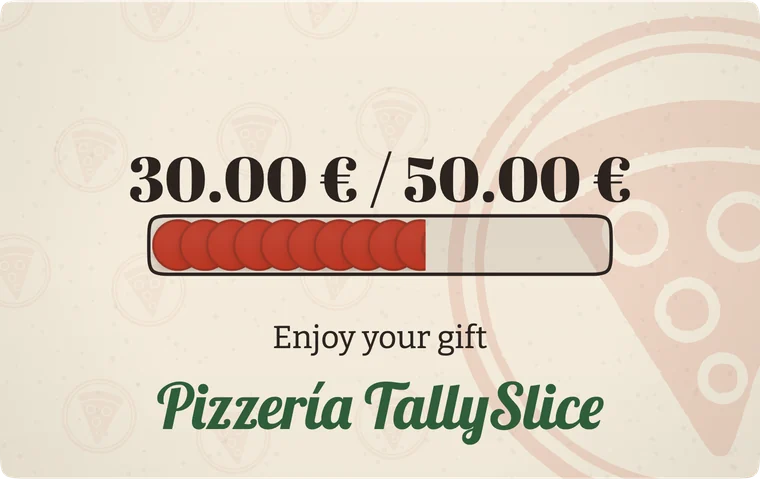
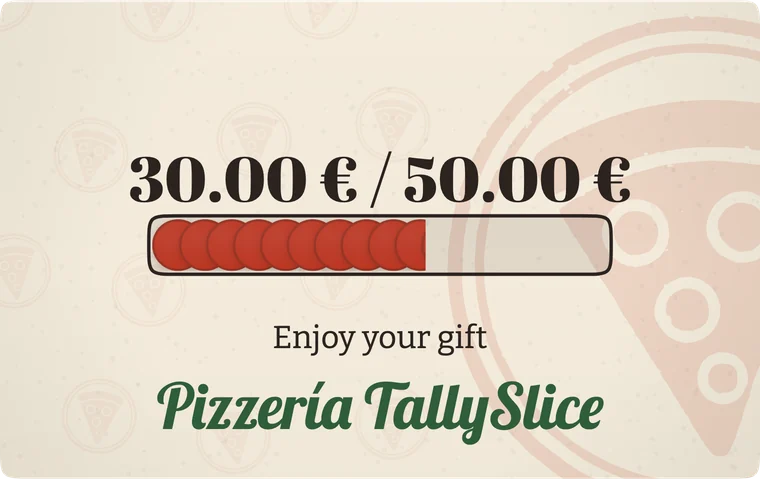
Works like a gift card. The card has a balance bar that counts down until it runs out.
Ideal forGift cards and prepaid packages.
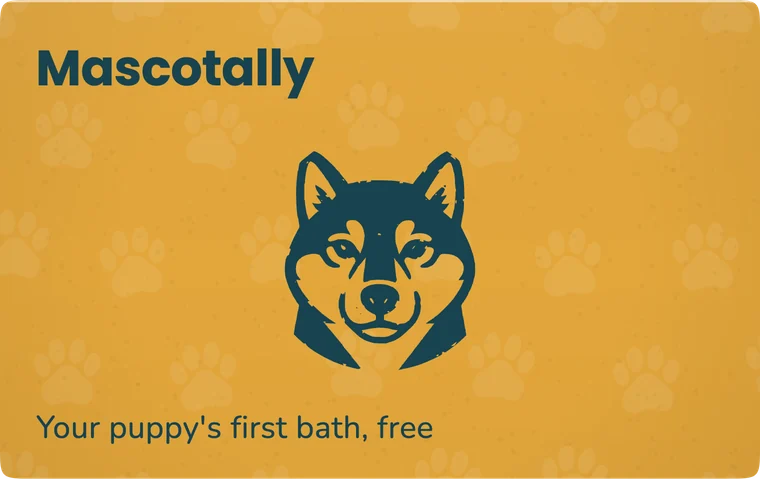
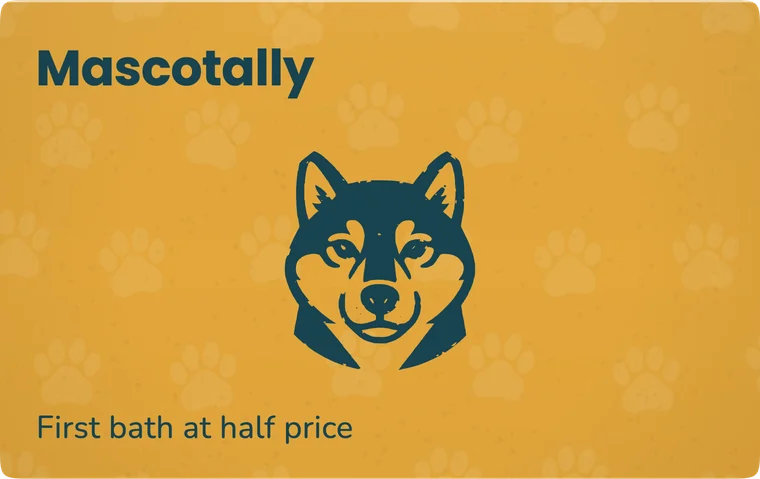
A one-off reward or discount. The customer keeps it in their wallet and redeems it at your business.
Ideal forPromotions, welcome gifts, or as the reward of other cards that can't be redeemed straight away.
You can also keep the cards of anyone who doesn't want to install the app.
Common questions behind the counter
For your customer, the same app works as a wallet, a digital menu and an ID.
For your business, this wallet uses achievements and medals to encourage customers to come back, asks for Google reviews at the best moment, and reminds your customers to use their cards before they expire or when they're close to completing them.
And it installs with a single tap, it's completely free and needs no sign-up or login.
No problem. You can create a customer record with their reference and keep their cards as if you kept them at the counter. If one day they decide to install the app, you only need to show the QR code from their record to sync it with their device.
You only need to create a customer record and add the stamps they already had to their new digital card.
Don't worry, the cards are still in their customer record. You only need to unlink their old phone from their record, show their card's QR code again to load it into their new wallet, and scan their barcode again to link the new device to their record.
Account data syncs straight away between devices, so you can have several devices working at once.
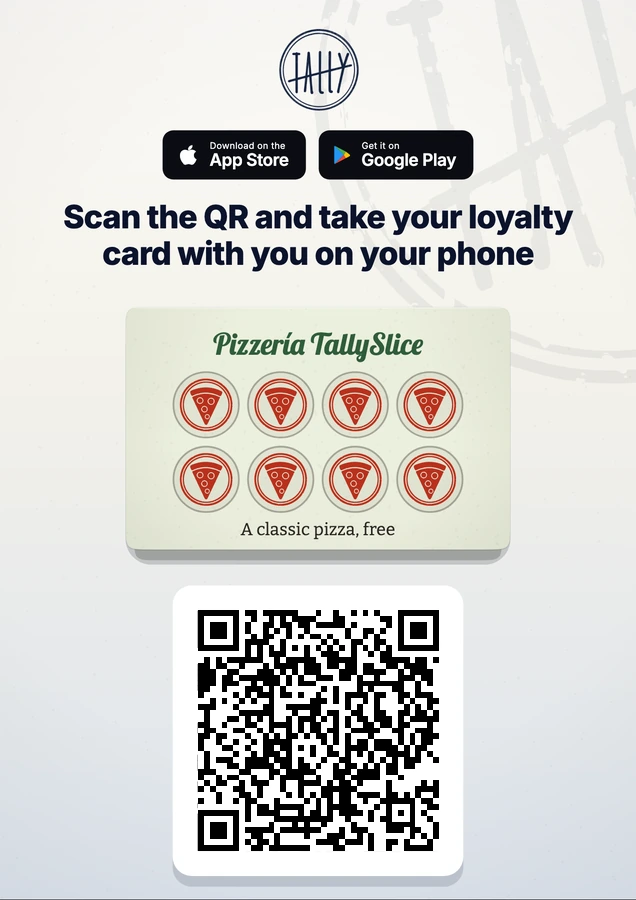
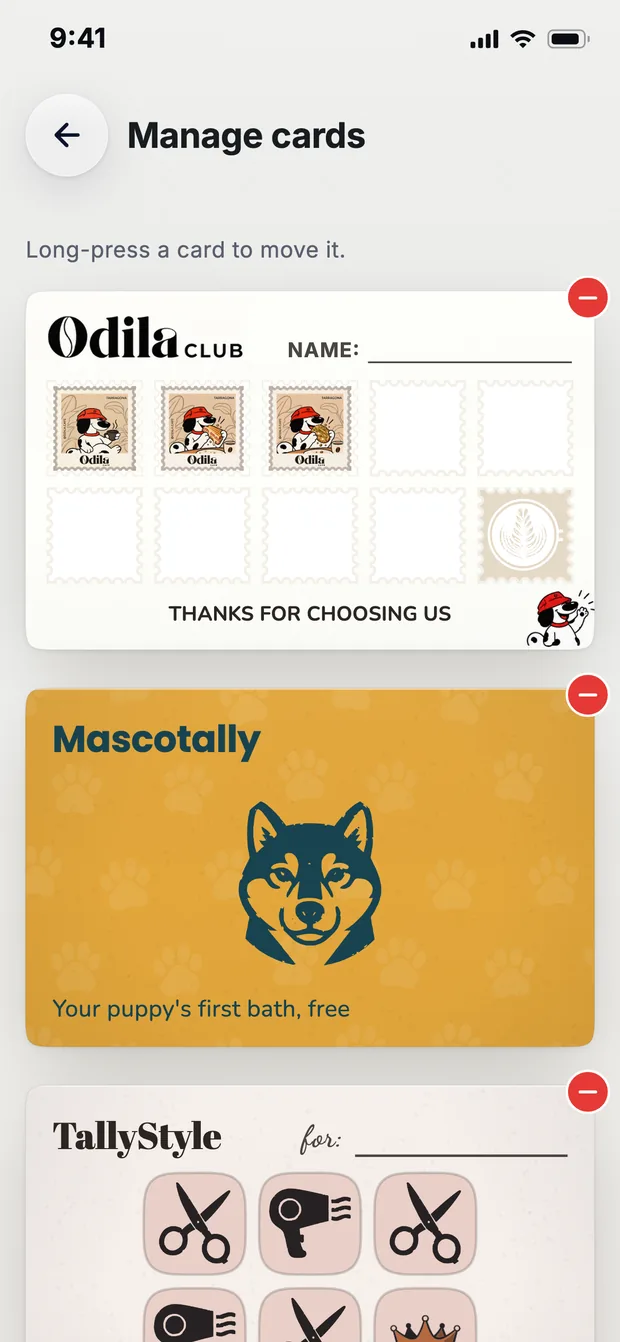
Customers see the cards on their phone with any of your designs. They can see how many stamps they still need, and a reward animation when they complete each one.
You can scan the barcode on their card to open their record instantly and update their cards.
When they press the card, they see your website, address, opening hours and phone number. They can also open your menu as a PDF.
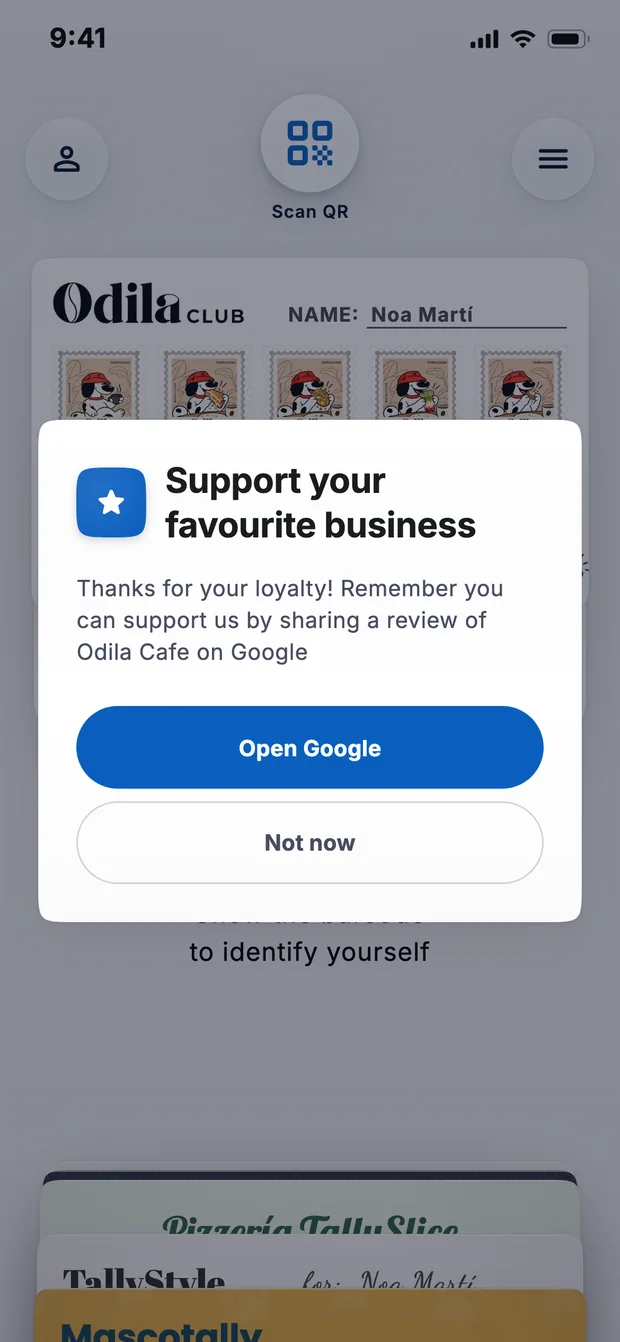
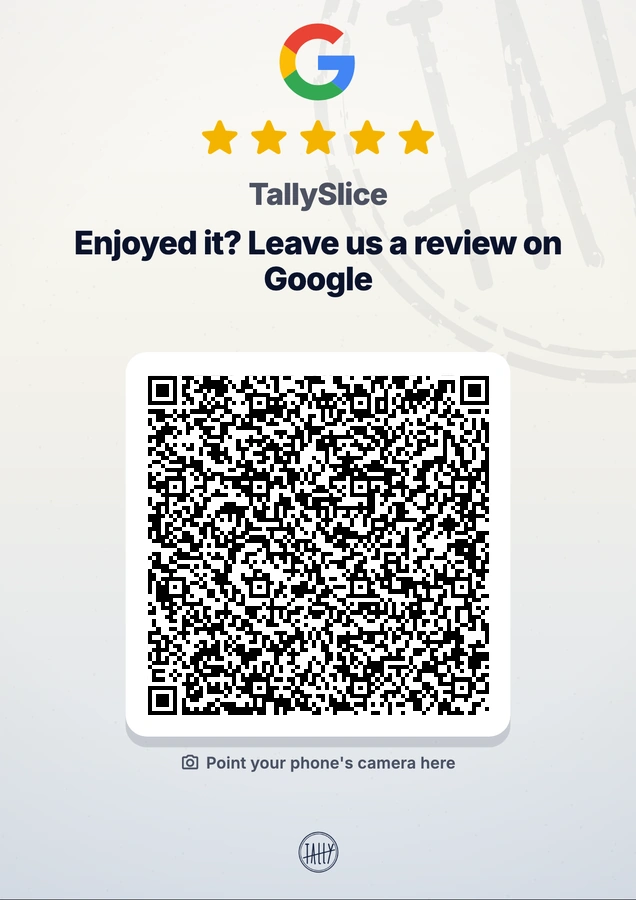
You can choose after how many completed cards a Google review is requested. The customer sees it at the best moment.
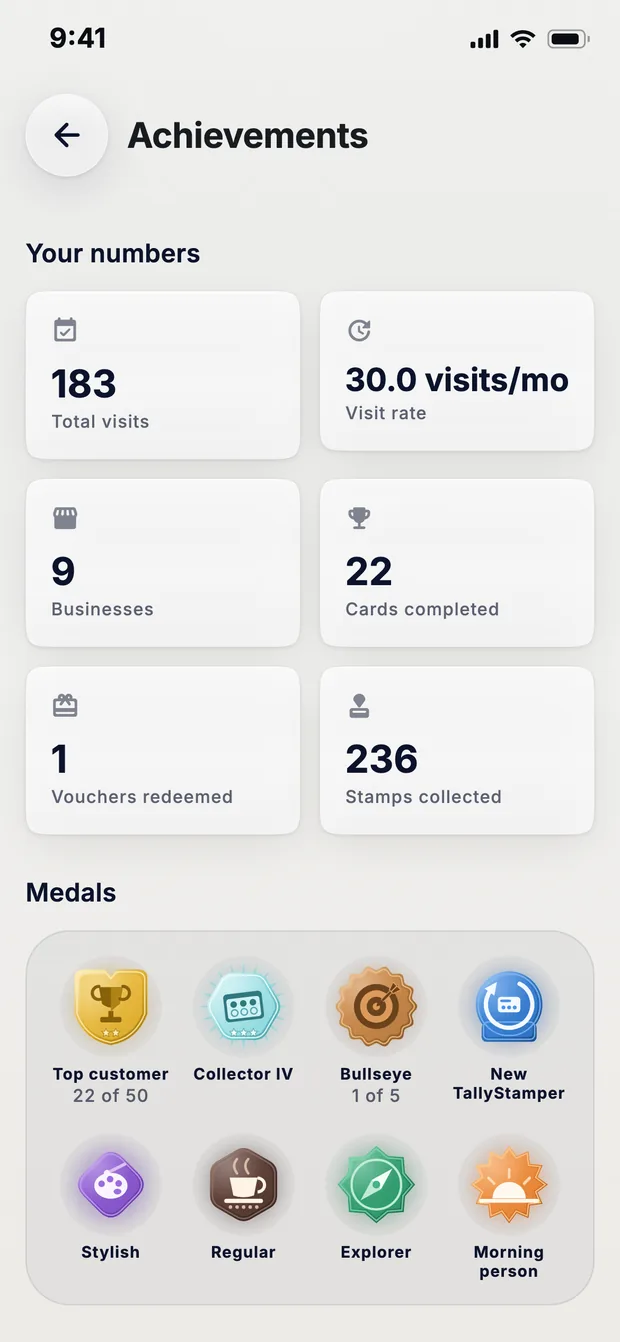
Encourage customers to come back by awarding medals and achievements the more they use the app.
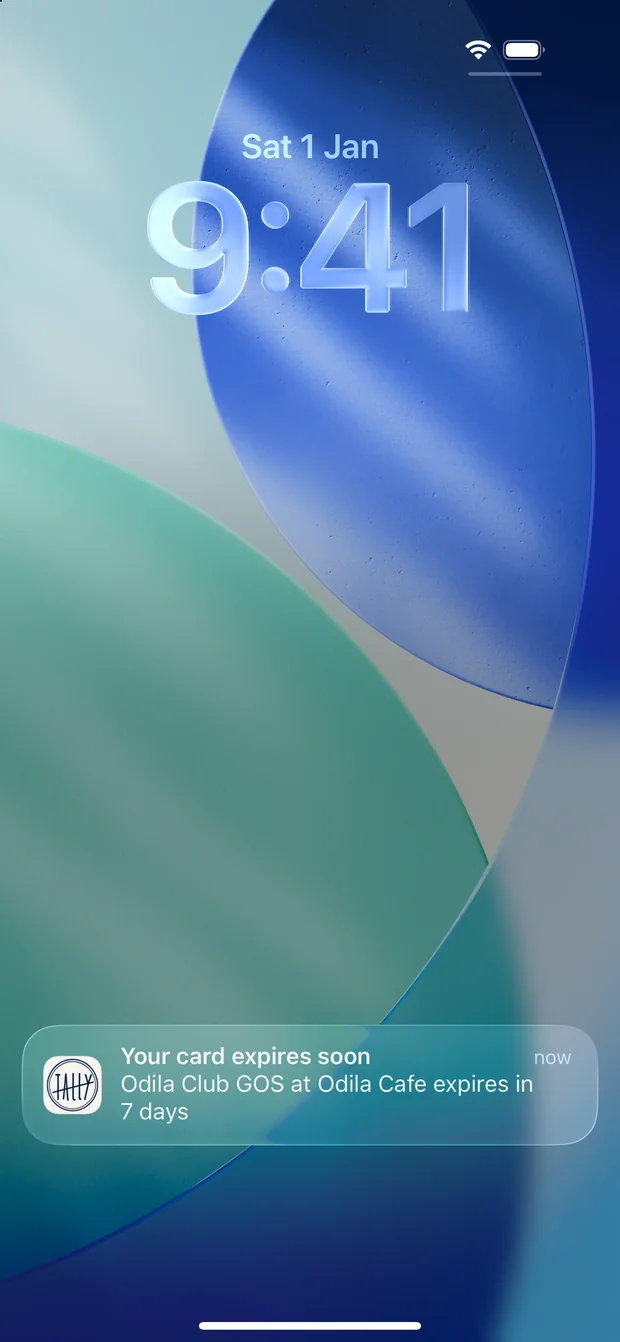
The app reminds them when they're a few stamps away from the reward, when they have an unredeemed reward and when a card is about to expire, so they come back to your business.
The winner of the draw gets a notification with the prize, which loads straight into their wallet.
 STAMPS4/10
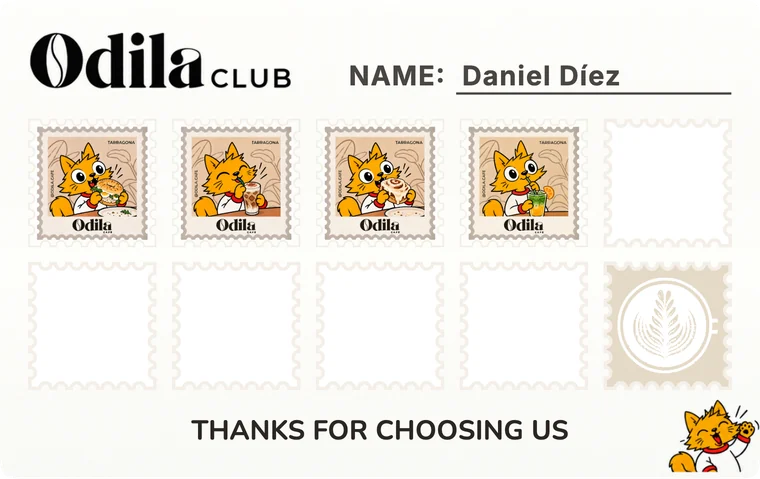
Design limited by the wallets: logo, colours, one image and text, always in the same places.
You design the card on your phone with total freedom in a few minutes: background, texture, layout, colours, stamps, font, reward animation and card settings, all in the same editor.
The customer has to save the pass in their phone's wallet.
You can create a customer record with a reference for anyone who doesn't want to install the app.
You need an internet connection to update the card.
It can work offline and syncs the data again when the connection comes back.
Shows the stamps plainly. No medals, no animations.
You can customise the stamps with your brand or style by importing any image you like and setting different stamps for each number. The app also awards medals so the customer comes back, and plays different animations when each card is completed.
On the back, only the text and links you type by hand.
The card carries your opening hours, phone number, address, website and PDF menu. The app also asks for Google reviews when cards are completed.
You can register unlimited customers.
One price, however many customers you have.
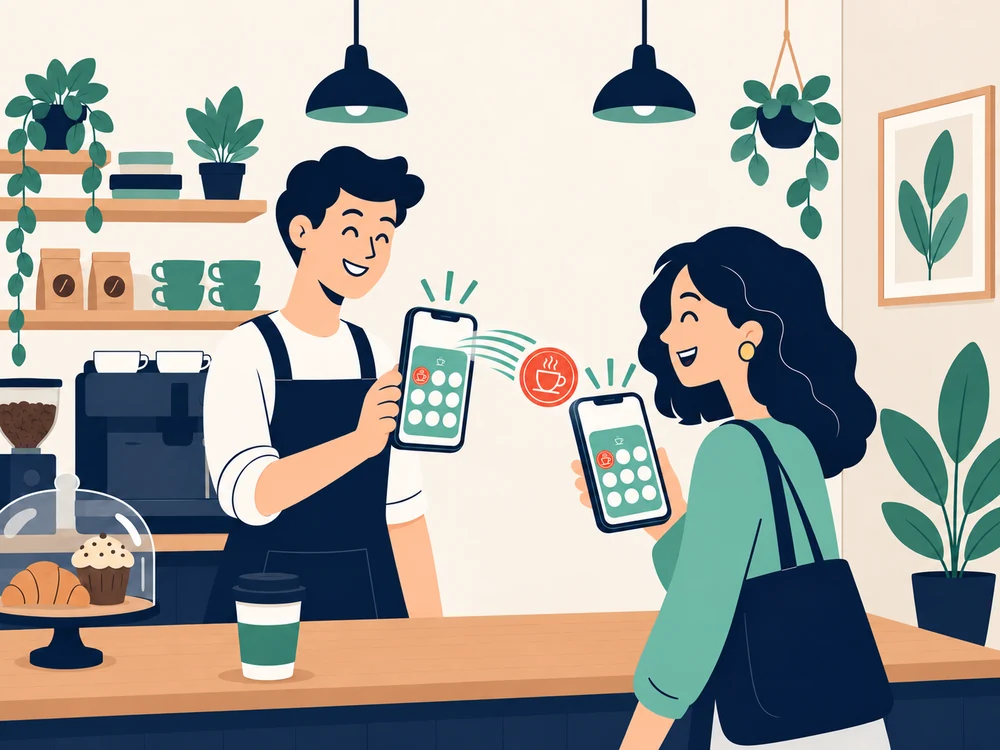
Updates the customer's cards straight away, without them scanning again.
Speeds up your counter.
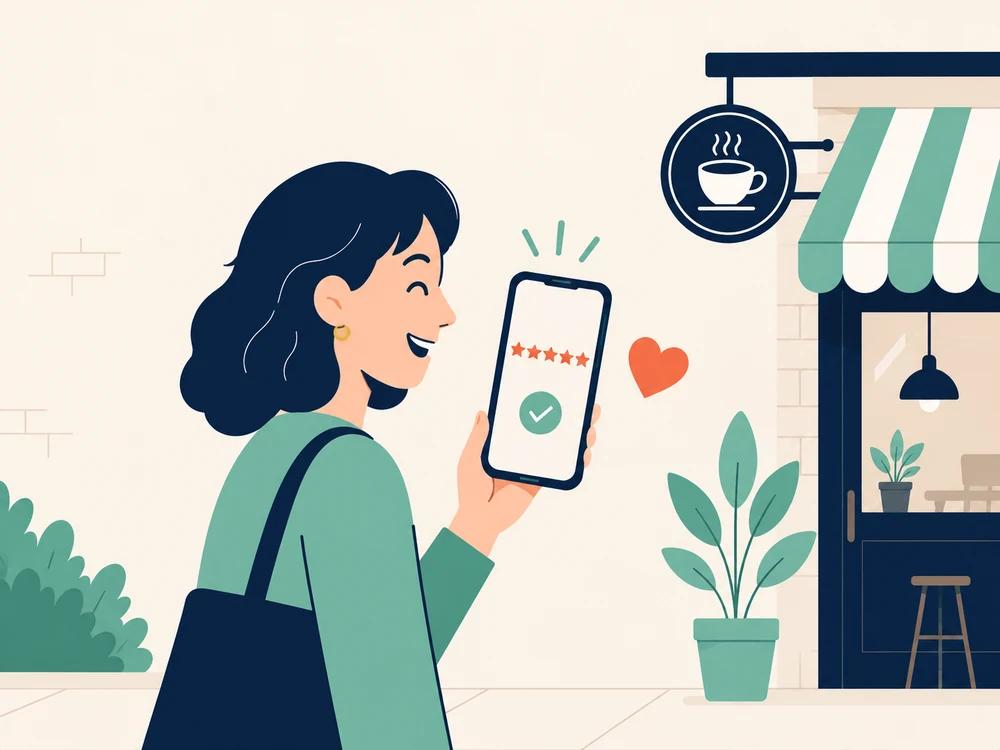
The app asks for a Google review from anyone who completes the number of cards you choose.
Reviews from your most loyal customers to attract those who don't know your business yet.

You can upload your menu as a PDF so your customers can see it from the card in their wallet.
No other apps or QR codes to manage your digital menu.
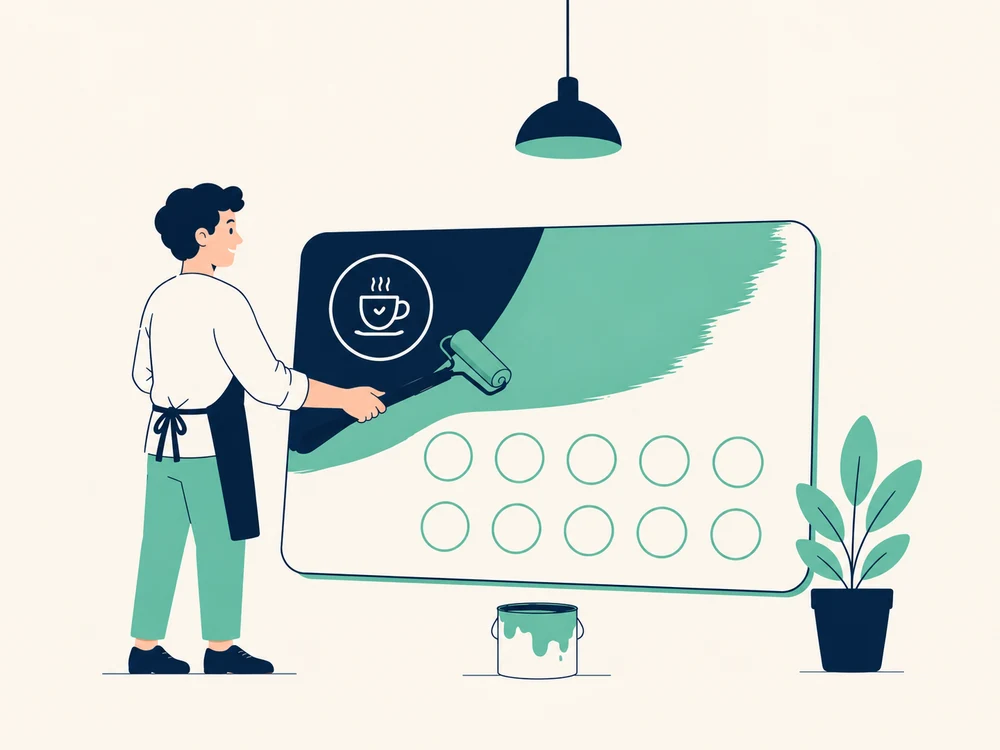
Import your own designs into the editor to set the backgrounds or stamps you like best, with your own brand.
Your cards, your brand.

See how often your customers come and how long they take to complete your cards.
All the data to follow how your loyalty programme is doing.

Run prize draws among your customers. Choose the prize, the conditions to take part and when it's delivered. The prize is delivered automatically to the winner's wallet with a notification.
Hold prize draws among your most loyal customers.
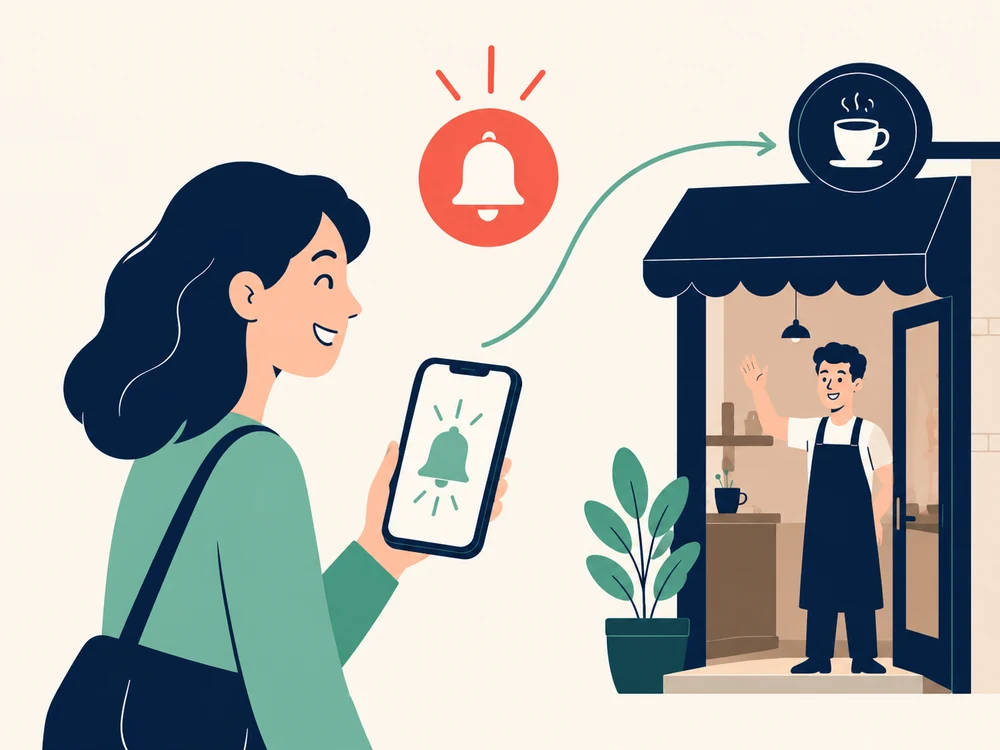
The app reminds your customer when they haven't been in for a while, when they're close to completing a card or when their card is about to expire.
Bring them back, or keep them from losing their stamps.
Free
The subscription has no commitment of any kind. You start and cancel it from the App Store or Google Play.
| What's included | Free | PRO€9.99/month |
|---|---|---|
| Customer limit | 100 active customers | Unlimited |
| Several phones on one account | Yes | Yes |
| Cloud backup | Yes | Yes |
| Can work offline | Yes | Yes |
| Counter QR poster | Yes | Yes |
| Activity history and stats for each customer | Yes | Yes |
| Business metrics | Active customers, cards issued and redeemed | All |
| Stamps and design changes on the customer's phone | When they scan their QR code again | Straight away, with Autosync |
| Google reviews | Not included | Yes |
| Review QR poster | Not included | Yes |
| PDF menu on the card | Not included | Yes |
| Import background and stamp designs into the editor | Not included | Yes |
| Prize draws | Not included | Yes |
| Reminders to your customers | Not included | Yes |
If you cancel the subscription, PRO stays active until the end of the month you paid for. You keep your customers, your cards and your history. When the subscription ends, features such as Autosync, Google reviews and prize draws switch off, but you keep your imported designs and your PDF menu. You keep all your customers even if there are more than 100 active ones, but once you're over that limit you can't register new ones.
For any business whose customers come back, such as cafés, bars, bakeries, ice cream shops, hair salons, barbershops, nail salons, florists or neighbourhood shops. You can move your paper cards to your customers' phones or start your first loyalty programme.
A phone, iPhone or Android, and your Google account or Apple ID. You don't need a scanner, tablet or printer. The app uses your phone's camera to read your customers' barcodes instantly and open their record.
Yes. You can change the background, stamps, colours, reward, title and description whenever you like. Your customers see the changes when they scan their card's QR code again, or straight away with Autosync. The number of stamps and the spending target can no longer be changed. Nor can the card type.
Anyone whose phone is linked to their customer record, or who has a card in progress in their name. Your customer list always shows how many you have. At 100, everything keeps working except activating new customers. You can make room by deleting the record of someone who no longer comes, which also deletes their cards. With PRO there's no limit.
Only a reference to find them in your list, such as a name, initials, a nickname or a number. The reference is in their card's QR code, so the customer can see it too. The app doesn't ask your customers for any personal data. TallyStamp doesn't show ads or sell data.
Only your account can add stamps. If someone scans the QR code of another customer's card, the app rejects it. It also rejects an old QR code, like a photo from last week. A linked card never moves to another phone on its own, and each voucher can be redeemed only once. And every stamp is logged in the customer's history with the date and time.
Your customers, their cards and the history are stored in the cloud. On the new phone you sign in with the same account and get everything back.
Spanish, Catalan, English and French. The app uses the phone's language, so a customer from abroad sees it in their language or in English.
Create your loyalty card in five minutes and start stamping today.